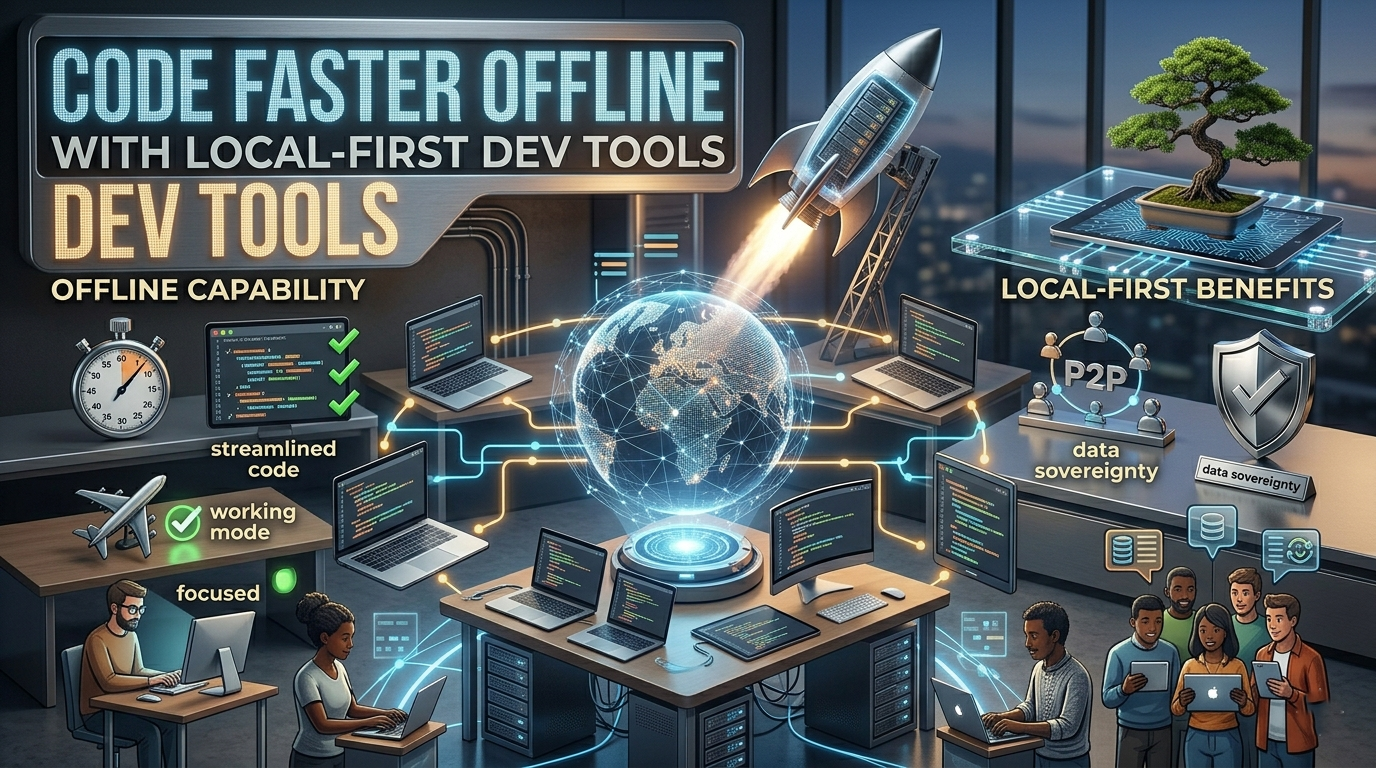
Code Faster Offline with Local-First Dev Tools
How to Use Local-First Dev Tools to Code Faster Without an Internet Connection
Introduction
Picture this: you’re halfway through solving a tricky bug when your internet connection suddenly drops.
The browser tabs stop loading. Cloud services become unreachable. Online documentation disappears. Momentum vanishes.
For many developers, freelancers, and remote workers, this scenario is frustratingly familiar. Yet some developers barely notice when the internet goes down. They keep coding, testing, debugging, and shipping work as if nothing happened.
Their secret isn’t faster internet.
It’s using local-first dev tools.
A growing number of developers are moving away from workflows that depend entirely on cloud services and constant connectivity. Instead, they’re building environments that work locally first and sync later when an internet connection becomes available.
The result? Faster development, fewer interruptions, and greater control over their work.
Let’s explore how local-first dev tools can transform your workflow and help you stay productive wherever you work.
What Are Local-First Dev Tools?
Local-first dev tools are applications and development environments designed to prioritize local storage, local processing, and offline functionality before cloud synchronization.
Rather than relying on remote servers for every action, these tools keep most of the work on your machine.
When connectivity returns, changes sync automatically.
Think of it as the difference between writing a document directly on your laptop versus relying entirely on a web-based editor that requires a constant internet connection.
For developers, this approach extends to:
- Code editors
- Databases
- Documentation systems
- Version control tools
- Project management software
- Development environments
The goal is simple: keep working regardless of network conditions.
Why Developers Are Embracing Local-First Workflows
Internet Reliability Isn’t Guaranteed
Remote work has changed where people code.
Many developers now work from:
- Coffee shops
- Airports
- Hotels
- Co-working spaces
- Rural locations
- Temporary travel destinations
Even in major cities, internet outages happen.
A local-first workflow removes dependence on perfect connectivity.
Faster Performance
Every request sent to a remote server introduces latency.
Local tools eliminate much of that delay.
Opening files, searching codebases, running tests, and querying databases often feels noticeably faster when everything runs on your own machine.
Those small speed improvements add up over time.
Better Focus
Few things break concentration faster than waiting for a cloud application to respond.
Local-first tools reduce these interruptions.
You stay in flow longer, which often leads to better code and faster problem-solving.
Key Local-First Dev Tools Every Developer Should Consider
Local Code Editors
A strong local development setup begins with your editor.
Popular options include:
- Visual Studio Code
- Neovim
- Sublime Text
- JetBrains IDEs
These tools perform most operations locally and continue functioning without internet access.
You can write code, navigate projects, run extensions, and debug applications entirely offline.
Git for Version Control
Many developers associate version control with cloud platforms.
However, Git itself is fundamentally local.
You can:
- Create commits
- Branch projects
- Merge code
- Review history
- Revert changes
All without connecting to a remote repository.
Platforms such as GitHub or GitLab become necessary only when you’re ready to sync and collaborate.
Local Databases
Developers frequently rely on cloud-hosted databases during development.
That dependency can slow things down.
Instead, consider local options like:
- SQLite
- PostgreSQL
- MySQL
- MariaDB
Running databases locally often improves testing speed and reduces network-related frustrations.
Offline Documentation Tools
Documentation is one of the biggest challenges when coding offline.
Fortunately, several solutions exist.
Developers often download:
- Framework documentation
- API references
- Technical manuals
- Knowledge bases
Tools that cache documentation locally ensure critical information remains available even when the internet isn’t.
How Local-First Development Improves Remote Work
Freedom to Work Anywhere
Remote workers often choose flexibility for a reason.
Nobody wants productivity tied to a Wi-Fi signal.
A local-first setup allows you to work confidently from almost any location.
Whether you’re traveling between cities or working from a mountain cabin, your workflow remains consistent.
Reduced Downtime
Internet outages don’t just interrupt work.
They create context switching.
When developers stop coding unexpectedly, it can take significant time to regain focus.
Local-first workflows reduce these productivity losses.
More Reliable Development Environments
Cloud services occasionally experience outages.
APIs fail.
Authentication systems break.
Remote development environments become unavailable.
A locally controlled setup gives developers greater reliability and independence.
Building Your Own Local-First Development Workflow
Step 1: Audit Your Current Dependencies
Start by identifying tools that require constant connectivity.
Ask yourself:
- What breaks when the internet goes down?
- Which tools stop functioning completely?
- What services create bottlenecks?
This exercise often reveals surprising dependencies.
Step 2: Prioritize Offline Alternatives
Look for tools that support:
- Local storage
- Local processing
- Offline access
- Background synchronization
Many modern applications already provide these capabilities.
Step 3: Cache Critical Resources
Don’t rely on live internet access for frequently used resources.
Download:
- Framework documentation
- SDK references
- Training materials
- API specifications
You’ll thank yourself later.
Step 4: Automate Synchronization
The best local-first workflows sync automatically once connectivity returns.
This provides the advantages of both local performance and cloud collaboration.
Common Mistakes to Avoid
Ignoring Backups
Working locally doesn’t mean abandoning backups.
Maintain regular synchronization with remote repositories and cloud storage services.
Overcomplicating Your Setup
Some developers spend weeks building elaborate offline systems.
Start simple.
Focus on removing major dependencies first.
Forgetting Team Collaboration
Local-first doesn’t mean isolated.
Ensure your workflow still supports effective collaboration once changes are synced.
Balance independence with teamwork.
Actionable Tips for Coding Faster Offline
Want immediate improvements?
Try these practical steps:
- Keep local copies of frequently used documentation.
- Use Git commits regularly, even when offline.
- Run databases locally during development.
- Cache project dependencies whenever possible.
- Configure development environments before traveling.
- Test your workflow by intentionally disconnecting from the internet for a few hours.
- Create an offline productivity checklist.
The goal isn’t to avoid the internet entirely.
It’s to prevent the internet from becoming a productivity bottleneck.
Local-first dev tools aren’t just about surviving internet outages.
They’re about creating a development workflow that prioritizes speed, reliability, and focus.
For remote developers, freelancers, digital nomads, and startup founders, that advantage can be significant.
When your tools work locally first, you spend less time waiting and more time building.
The next time your internet connection drops, imagine continuing your work without missing a beat.
That’s the real value of local-first development.
Start by identifying one cloud dependency in your workflow and replacing it with a local-first alternative. Small changes can lead to a faster, more resilient coding experience.
FAQ
What are local-first dev tools?
Local-first dev tools are software applications that store and process data on your device first, then synchronize changes with the cloud when connectivity is available.
Can I code without an internet connection?
Yes. Many development tasks, including writing code, debugging, testing, and using Git, can be performed entirely offline with the right tools.
Why are local-first workflows becoming popular?
Developers value faster performance, reduced downtime, improved focus, and greater flexibility when working remotely.
Is Git usable without internet access?
Absolutely. Git is primarily a local version control system. Most Git operations work perfectly without a network connection.
Are local-first dev tools better for remote workers?
In many situations, yes. They reduce dependence on internet reliability and help maintain productivity while traveling or working from locations with unstable connectivity.